
Imagine being three hours into a five-hour journey to visit family for the holidays when your daughter asks, "Can I use your laptop to play Roblox?" It's your work laptop—holding client files, financial information, and critical business access. You're tired from packing, with three hours still to go, and keeping her entertained sounds like a great idea. But is it safe?
Holiday travel introduces unique security risks that rarely appear in your daily routine. Fatigue, distractions, unfamiliar WiFi networks, and mixing family time with quick work check-ins can put your data at risk. Whether traveling for business, leisure, or a blend of both, here's how to safeguard your data while keeping the holiday spirit alive.
Essential 15-Minute Prep Before You Hit the Road
Dedicate just 15 minutes before your trip to fortify your devices and peace of mind:
Device Essentials:
- Install all available security updates immediately.
- Back up critical files securely to the cloud.
- Set automatic screen locks with a maximum 2-minute timeout.
- Enable "Find My Device" features on smartphones and laptops.
- Charge portable power banks for on-the-go power.
- Bring your own charging cables and adapters—don't rely on hotel provisions.
Discuss Device Use with Your Family:
- Clearly define which devices kids are allowed to use.
- Provide a dedicated family tablet or secondary device for entertainment.
- Create separate user accounts on your laptop for kids if necessary.
Pro tip: If your children need screen time during travel, bring a tablet unlinked to your work accounts. Investing in a $150 iPad can be a smart shield against costly data breaches.
Beware: Common Mistakes with Hotel WiFi
Upon hotel check-in, every device—from phones and tablets to laptops and gaming consoles—rushes to connect to the network. Streaming, emailing, and gaming happen simultaneously. Sounds normal, but here's the catch:
Hotel WiFi networks are public and shared among hundreds of guests, some of whom may have malicious intent.
Real-life example: A family connected to what seemed like their hotel's WiFi, but it was actually a rogue network set up in the parking lot. For two days, hackers intercepted their passwords, credit card details, emails, and more.
How to protect yourself on hotel WiFi:
Confirm the network name by asking the front desk to avoid connecting to impostor networks.
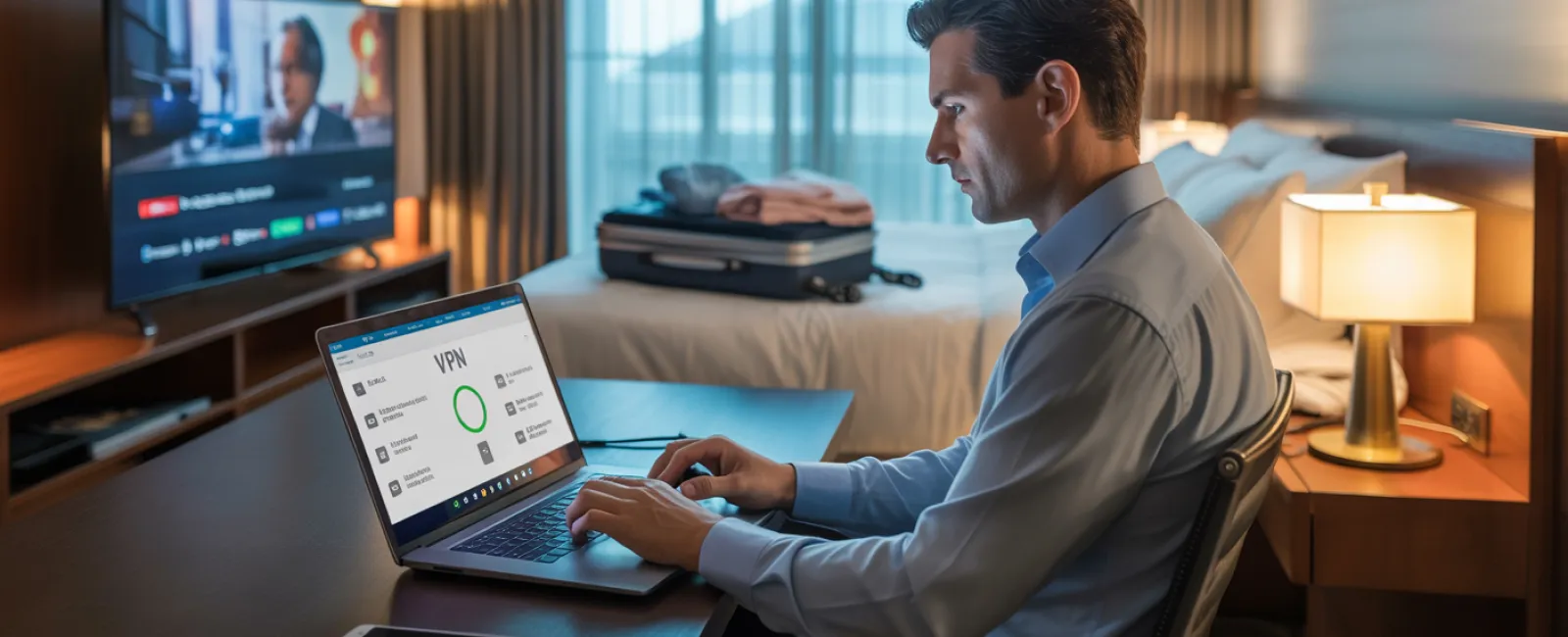
Use a VPN when accessing work to encrypt your connection and keep corporate data safe.
Opt for your phone's mobile hotspot when handling sensitive activities like banking or client information instead of relying on hotel WiFi.
Separate work and leisure network usage: kids can stream cartoons on hotel WiFi, but keep work tasks confined to your secure hotspot.
The Risks of Sharing Your Laptop
Your work laptop contains sensitive data—emails, banking info, client files, and business systems access. Yet, your kids want to watch YouTube or play online games.
Why this is risky: Kids might inadvertently download malware, click unsafe links, share passwords, or leave accounts logged in. These innocent mistakes can lead to significant security breaches on a work device.
How to handle the laptop usage dilemma:
Politely decline sharing work devices. Explain, "This computer is for work only, but you can use [designated device] for playtime." Stay firm.
If sharing is unavoidable:
- Set up a restricted user account.
- Monitor their activities closely.
- Prevent any downloads.
- Do not save passwords.
- Clear browsing history after use.
Best practice: Travel with a separate family device—an older tablet or laptop unlinked to work accounts will protect your business.
Streaming on Hotel TVs? Don't Forget To Log Out
Your family logs into Netflix on a hotel smart TV for movie night but forgets to sign out before checkout.
The danger: The next guest could access your streaming account—and if you've reused passwords elsewhere (please don't!), your security could be further compromised.
Smart fixes:
- Use your own device and cast content to the TV securely.
- Set a reminder to log out of apps on the hotel TV before checkout.
- Even better: Download movies and shows on your personal devices before traveling.
Avoid logging in on hotel TVs for:
- Banking applications
- Work-related accounts
- Email
- Social media
- Any account with saved payment information
Lost Device? Act Fast!
Travel can be hectic—devices often end up forgotten in restaurants, hotel rooms, rental cars, or airport checkpoints. If your device goes missing:
Within the first hour:
- Use "Find My Device" to pinpoint the location.
- If recovery isn't possible promptly, lock the device remotely.
- Change passwords for crucial accounts using another device.
- Contact your IT support or managed service provider to revoke company system access.
- Notify affected clients if sensitive business data was stored.
Ensure your devices are prepared before traveling with:
- Remote tracking enabled.
- Strong password protection.
- Automatic data encryption.
- Remote wipe capabilities.
Family device lost? Apply the same protocols: lock it remotely, change passwords, and try locating it promptly.
Rental Cars Can Store Your Data — Here's How to Avoid Risks
When you connect your phone to a rental car's Bluetooth for music or navigation, the car often stores contacts, call logs, and sometimes message previews.
Unfortunately, this data can remain accessible to the next driver.
Quick 30-second checklist before returning the vehicle:
- Delete your phone from the car's Bluetooth pairing list.
- Clear recent destinations from the GPS.
- Better yet, use an aux cable or avoid connectivity altogether.
Setting Boundaries on a Working Vacation
Balancing work and family during holidays is tough—you've checked email 47 times, taken multiple calls, and worked while others golfed.
This constant switch between roles reduces your security awareness and increases the chance of risky clicks or connecting to unsafe networks.
To protect yourself:
- Limit work email checks to twice per day at scheduled times.
- Use your phone's hotspot for all work-related internet activity instead of hotel WiFi.
- Work in private spaces, such as your hotel room, to keep screens hidden.
- Be fully engaged with your family when off the clock.
Ultimately, the best security step is to truly rest. Your business will survive a few days offline, and you'll return with sharper focus and better judgment.
Adopt a Holiday Travel Security Mindset
Separating work and family during holiday travel is challenging. Sometimes your child really needs your laptop, and sometimes urgent work emails demand attention while driving.
The goal isn't flawless security but intentional risk management:
- Prepare your devices thoroughly before departure.
- Recognize which activities carry higher risks (e.g., hotel WiFi for banking) versus safer alternatives (e.g., mobile hotspots for email).
- Establish clear boundaries between work data and family entertainment.
- Have a solid plan in case of a security incident.
- Know when to firmly say, "Not on this device," and follow through.
Create Holiday Memories That Last, Not Data Breaches
The holidays should be about joyful moments with loved ones—not crisis management after a data breach or uncomfortable client conversations.
With simple preparation and straightforward rules, you can protect your business and enjoy your vacation worry-free. Your family rejoices, your business stays secure, and everyone benefits.
Need assistance designing travel security policies for your team and yourself? Click here or call us at 336-310-0277 to schedule your free Discovery Call. We'll help craft effective, practical protocols that safeguard your business without restricting travel.
After all, the best holiday memory should never be, "Remember when Dad's laptop got hacked?"


