
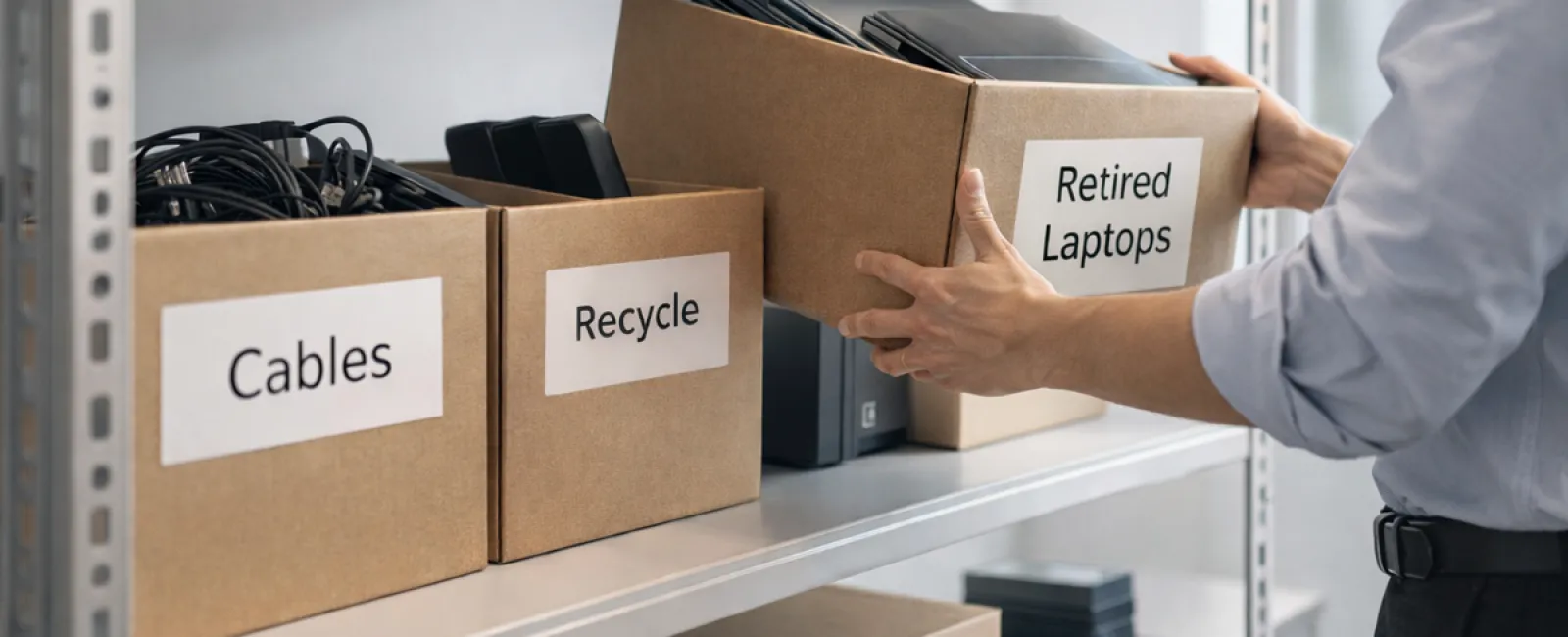
While many start spring cleaning in closets, the real clutter in businesses often hides beyond racks.
It might be on a server rack, stashed away in storage, tucked in a back office, or piled under "we'll deal with that later."
Old laptops, outdated printers, backup drives from years ago, and boxes of cables kept "just in case" accumulate over time.
Every business faces this buildup.
The key question isn't if you have this clutter, but what you plan to do with it.
Technology Follows a Lifecycle — Beyond Just Buying It
When purchasing new tech, the reasons are clear: better speed, enhanced security, improved capabilities, and supporting growth.
Businesses excel at planning purchases, but few prepare adequately for retiring technology.
Retiring equipment usually happens quietly—replacements arrive, old devices get sidelined, then eventually cleared out.
This is common practice.
What's rare is treating the retirement phase as deliberately as the buying process.
Obsolete technology still holds value, contains recyclable materials, and may store sensitive data. When neglected, it clutters space and drains focus.
Spring is the perfect moment to evaluate: what's truly useful, and what's just taking up room?
Effective Strategy to Clear Out Old Tech
To move beyond just talking about it, try our straightforward four-step method.
Step 1: Make an Inventory
Identify precisely what's being retired: laptops, phones, printers, networking gear, or external drives. You can't manage what's unaccounted for, and a quick survey often reveals more than expected.
Step 2: Choose the Final Destination
Devices fall into three categories: reuse (internally or by donation), recycle (via certified e-waste programs), or destroy (when data security demands it). Making this choice deliberately prevents forgotten hardware from lingering indefinitely.
Step 3: Prepare Devices Properly
Discipline here pays off.
For reused or donated items, remove them from management systems, revoke access, and perform thorough data wiping—not just a simple factory reset. Deleting files or quick formatting doesn't erase data; it only hides where it's stored.
Research by Blancco shows 42% of resold drives on eBay still held sensitive information such as tax returns and passports, despite claims of proper wiping. Certified erasure tools overwrite every sector and provide verification reports.
If recycling, use certified e-waste providers—not dumpsters. For instance, Best Buy's program is for households only, not businesses.
Commercial equipment needs certified IT asset disposition (ITAD) or business-focused recyclers with e-Stewards or R2 certifications. Your IT team can usually coordinate this.
If destroying equipment, opt for certified wiping or physical destruction like shredding or degaussing. Keep records: device serial numbers, destruction methods, dates, and responsible personnel.
This isn't excessive caution; it's closing the lifecycle responsibly.
Step 4: Document & Move Forward
After equipment leaves your premises, know exactly where it went, how it was managed, and confirm access removal. Documenting prevents lingering doubts.
Devices Often Overlooked
Laptops get noticed, but many items receive less attention.
Phones and tablets may still have sensitive email access, contacts, or authentication apps. Factory resets help, but certified mobile wipe tools offer deeper security. Major makers like Apple and Samsung offer trade-in credits for old devices.
Modern printers and copiers often contain internal hard drives storing records of every document scanned, copied, faxed, or printed. When returning leased devices, demand written assurance that hard drives will be wiped or removed before redeployment.
Batteries are considered hazardous waste by the EPA, and many states (California, New York, Minnesota) prohibit businesses from disposing of rechargeable batteries in regular trash. Remove batteries when possible, tape terminals to avoid short circuits, and deliver them to certified drop-off sites like those listed on Call2Recycle.org. Retailers like Staples, Home Depot, and Lowe's accept rechargeable batteries at many locations.
External drives and retired servers tend to linger in closets far longer than intended but deserve the same retirement process as other equipment.
Recycling Insights
April marks Earth Day reminders, a good prompt for responsible electronics disposal.
Each year, the world discards over 62 million metric tons of e-waste, yet only 22% is properly recycled. Components like batteries, monitors, and circuit boards require specialized recycling streams. Many communities provide certified e-waste services for this purpose.
Done right, retiring tech is environmentally responsible, operationally efficient, and strategically smart. You can safeguard security and sustainability simultaneously.
Sharing these efforts on your company's social media subtly signals responsibility customers appreciate.
Unlock Bigger Benefits
Spring cleaning isn't just about disposal—it's about creating room for growth.
Removing outdated equipment is a vital step but also a chance to reflect: is your technology truly enabling your business goals?
Hardware is transient; today's productivity and profit gains come from software, automation, systems, and streamlined processes.
Properly retiring old devices keeps your operations tidy, while aligning broader tech choices ensures continued progress.
How We Support You
If your equipment retirement process is solid, that's excellent—this should feel like routine.
Yet when replacing hardware thoughtfully, it's also wise to reassess your overall infrastructure. Are your tools integrated? Are your systems optimized? Does your technology propel growth or merely maintain the status quo?
If you want to explore how your technology stack, systems, and workflows can boost productivity and profitability, we're here to help.
No pressure. No equipment checklist. Just an honest conversation about technology working for your business.
Click here or give us a call at 336-310-0277 to schedule your free Discovery Call.
If this inspired you, feel free to share it with fellow business owners.
Spring cleaning should go beyond closets—to the systems running your company.


